

We have upgraded the Expense Report Submission process to make it easier for faculty and staff to drop off expense reports on campus.
You are no longer required to tap your ID card, and key-in an expense report number. Instead, just follow this two-step process:
- Scan the barcode on the top right corner of your expense report
- Drop it into the red mail box
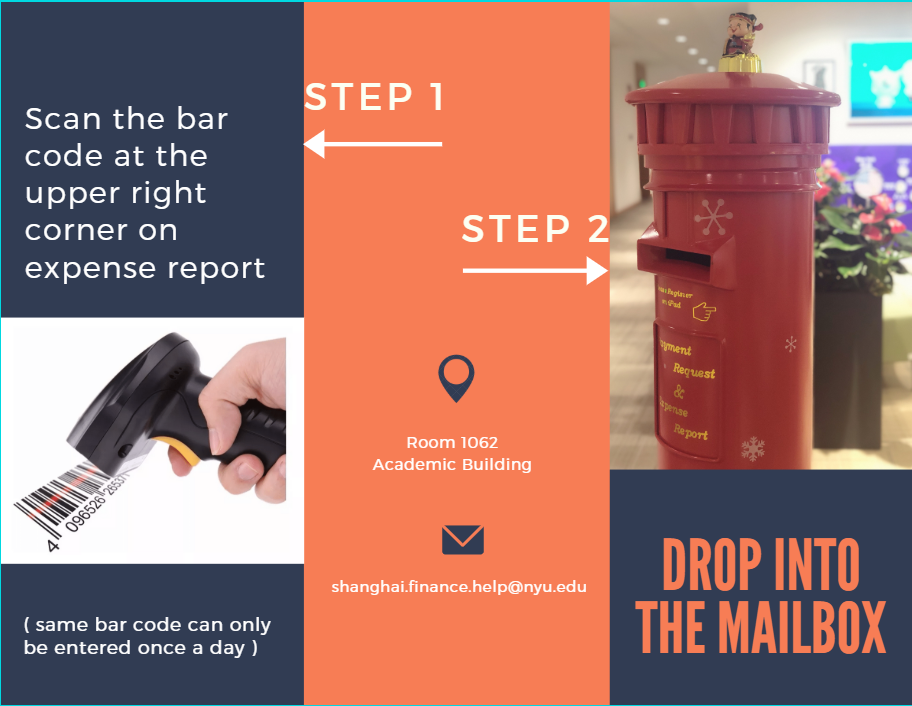
Note that you may need to “wake up” the barcode scanner by holding down the scan button for 2 seconds. If the I-cursor is not showing in the barcode field, press the “Refresh” button.
We are also transferring paper Payment Requests to an online e-format, which also contains a barcode on the cover sheet which you can also scan and drop off. We are currently running a pilot program to gather feedback about this process, and will soon be rolling it out to all faculty and staff. However, if your team would like to sign up to be an early adopter, we will be more than happy to provide training and support.