

- Student Onboarding Process
- Activating Your NetID & MFA
- Installing and Using the VPN
- WeChat & Alipay Guide
- FAQ & Troubleshooting
- Contact Information
Student Onboarding Process
Access to NYU IT resources is granted in stages as you transition from an applicant to a matriculated student.
- Application Stage: During the application process, applicants do not have access to IT resources such as VPN or NYU email.
- Matriculation: Once the process is complete, the Admissions Team sends the official acceptance letter.
- Resource Availability: NYU resources typically become available to admitted students in late July or early August.
- Welcome Email: You will receive a welcome email from Student Life explaining how to use your NYU email and VPN. Access is only ready once you have received this email.
Activating Your NetID & MFA
1. Activate Your NetID
Your NetID is your digital key to NYU. After activation, please wait up to 24 hours for your data to sync across university systems before contacting IT for support.
2. Multi-Factor Authentication (MFA)
NYU uses Duo Mobile to protect your account.
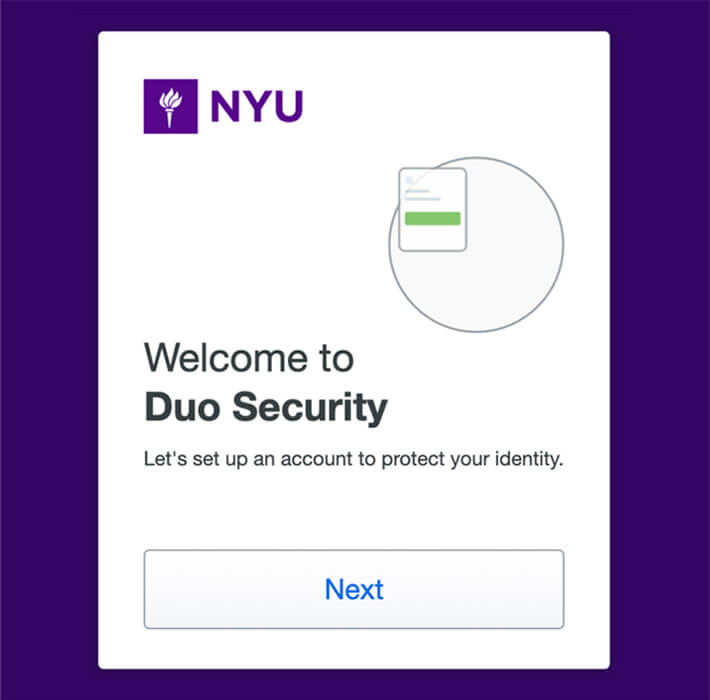
- Setup: Visit start.nyu.edu, log in, and click "Next" through the welcome cards.
- Method: Select Duo Mobile as your preferred method and enter your phone number.
- Activation: Download the Duo Mobile app, click "+ Add", and scan the QR code on your computer screen.
- Troubleshooting: If you don't see the MFA setup page, go to "
Security Settings" on the Start Page and check "Activate NYU Multi-Factor Authentication".
Installing and Using the VPN
The VPN provides secure access to the NYU network from off-campus.
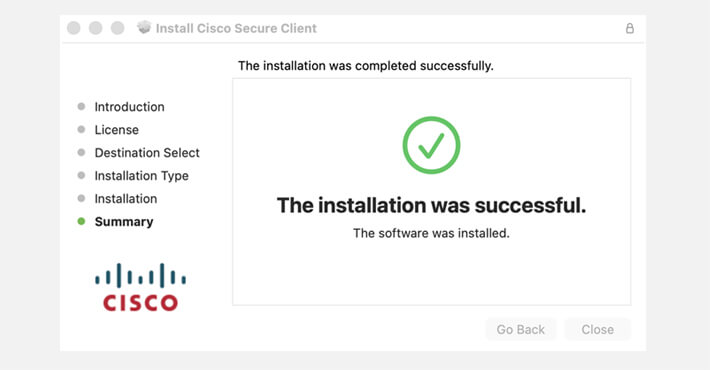
1. Download: Use the Cisco Secure Client (AnyConnect). Click the link to download VPN software: Windows / Mac / Android, for iPhone, visit APP store to download.
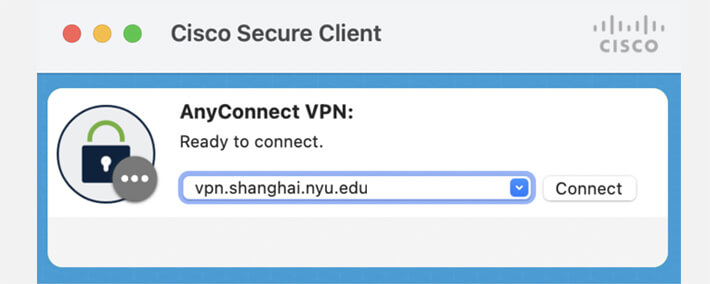
2. Server Address: Enter vpn.shanghai.nyu.edu
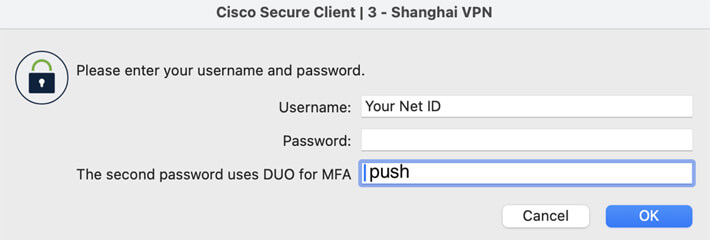
3. Login: Enter your NetID and password.
4. Second Password: Type the word push in the second password field to trigger a Duo notification.
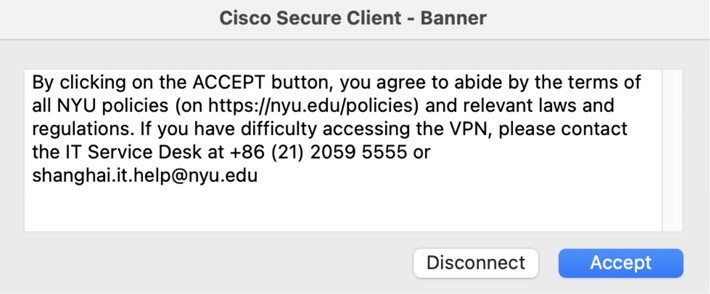
5. Approve: Tap "Approve" on your phone Duo app and "Accept" on your computer to connect.
Mac Users: If your Mac blocks the installation, go to System Settings > Privacy & Security > Security and click "Open Anyway".
WeChat & Alipay Guide
WeChat Safety & Stability
WeChat is an essential communication and payment platform in China. To ensure account stability:
- Advance Signup: If you are outside mainland China and plan to register for WeChat using an overseas mobile number, please make sure to complete the registration at least 14 days in advance.
- Disable VPN: Do not use a VPN during registration or early account setup. Frequent IP address changes may trigger WeChat’s security alerts and could result in account restrictions or suspension.
- Avoid Account Suspension: Avoid adding many users or joining many group chats in 14 days after account creation, there is currently no precise information available. Based on past experience, it is recommended to add no more than 10 users and group chats per day.
- Use Physical SIMs: Register with a physical SIM card from your home country or a Chinese carrier rather than a virtual/VOIP number.

- Profile Completion: Add a real photo, set a WeChat ID, and link an email address to establish credibility.
- Enterprise Account: To join the NYU Shanghai Enterprise account, scan below official QR code, go to "Auth Assistant," and validate your identity using your NYU email.
Alipay & Chinese Bank Cards
When linking a Chinese bank card, the details must exactly match the bank's records.
| Common Issue | Accurate Cause | Solution |
|---|---|---|
| Name Mismatch | Capitalization or name order is incorrect. | Swap Surname/Given Name or check for special characters like slashes (/). |
| Mobile Number Error | The number isn't the specific "Quick Payment" number. | Visit the bank with your passport to update your Quick Payment Mobile Number(快捷支付预留手机号).. |
| No Verification Code | Third-party permissions are not enabled. | Ask the bank to "Enable Alipay/WeChat Pay permissions"(开启支付宝/微信支付功能) . |
FAQ & Troubleshooting
Contact Information
 IT Service Desk (Shanghai): +86 (21) 2059 5555 | shanghai.it.help@nyu.edu.
 IT Service Desk (US): 1-212-998-3333.
 For more information about information technology, please visit: https://shanghai.nyu.edu/technology-services